Make your schedule easier to manage with these 10 Google Calendar ideas. Discover simple ways to organize work, school, appointments, routines, and personal tasks while staying productive.
Google Calendar ideas, Google Calendar organization, Google Calendar tips, Google Calendar setup, Google Calendar productivity, calendar organization ideas, digital planning ideas, Google Calendar schedule
Staying organized can be difficult when your days are filled with work, school, appointments, errands, deadlines, and personal plans. A simple digital calendar can make a huge difference by putting everything in one place.
Google Calendar is a popular scheduling tool that can help you organize your time, remember important events, plan routines, and create a clearer view of your week. Instead of relying on scattered notes or trying to remember everything, you can use your calendar as a central place for planning.
The best part is that you can customize your calendar around your lifestyle. You can create separate calendars, use different colors, add recurring events, set reminders, and organize your schedule in a way that makes sense to you.
Whether you’re a student, professional, busy parent, or simply trying to become more organized, these 10 Google Calendar ideas can help you create a more efficient schedule.
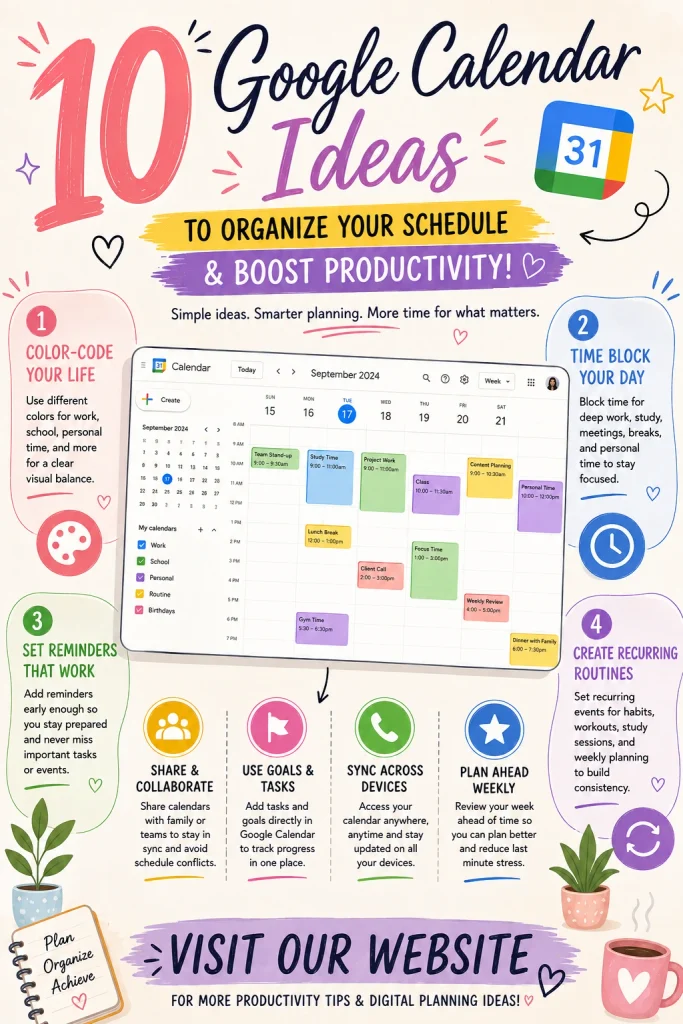
1. Create Separate Calendars for Different Areas of Life
One of the easiest ways to make Google Calendar more organized is to separate different parts of your life.
Instead of putting everything into one calendar, create categories such as:
- Work
- School
- Personal
- Appointments
- Family
- Fitness
- Important deadlines
Why It Helps
Separate calendars make it easier to understand what your day looks like at a glance.
You can also hide calendars when you don’t need to see them, keeping your current schedule less cluttered.
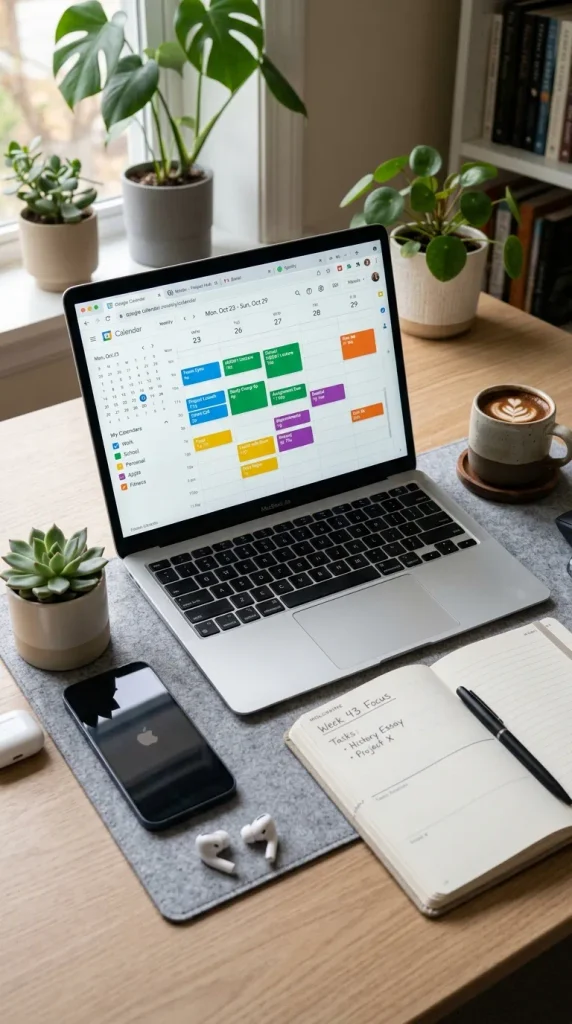
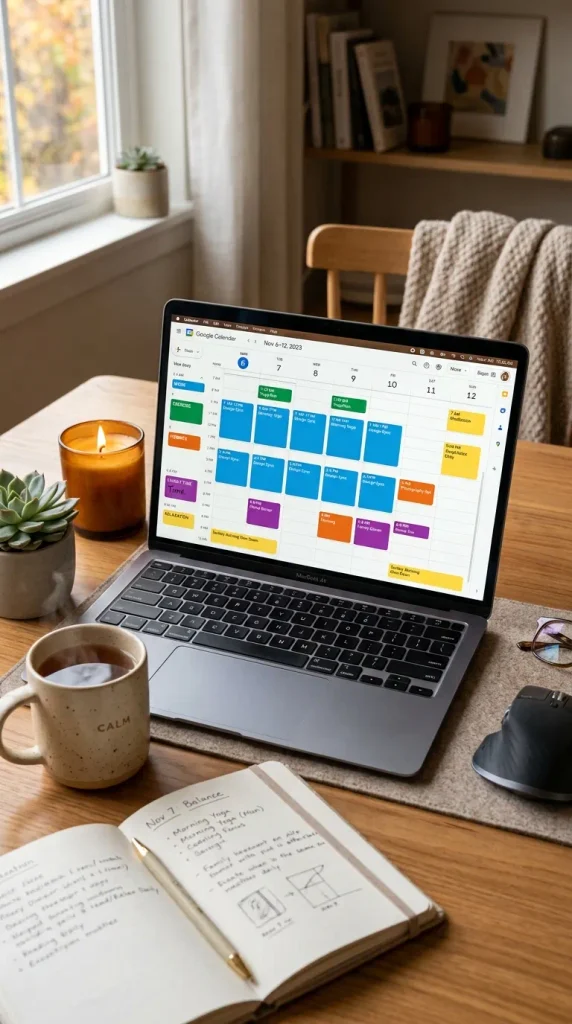
2. Use Color Coding
Color coding can make a busy calendar much easier to understand.
Assign a consistent color to each category.
Example
Blue: School or study
Green: Personal
Purple: Appointments
Orange: Work
Pink: Social events
Why It Works
Instead of reading every event, you can quickly recognize what type of activity is coming up based on its color.
Styling Tip
Don’t use too many colors. Choose a small, consistent palette that is easy to recognize.
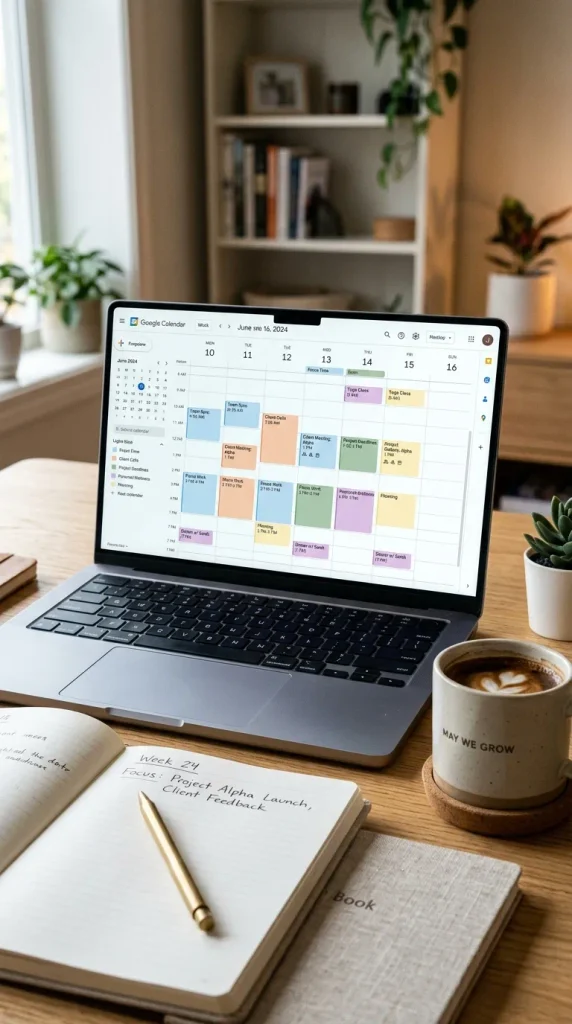
3. Add Recurring Events
If you have activities that happen regularly, recurring events can save you from entering the same information over and over.
Great Examples
- Weekly classes
- Gym sessions
- Team meetings
- Study sessions
- Monthly appointments
- Weekly planning
- Family activities
Why You’ll Love It
Once a recurring event is set up, it can automatically appear according to the schedule you choose.
This is especially useful for routines that remain consistent from week to week.
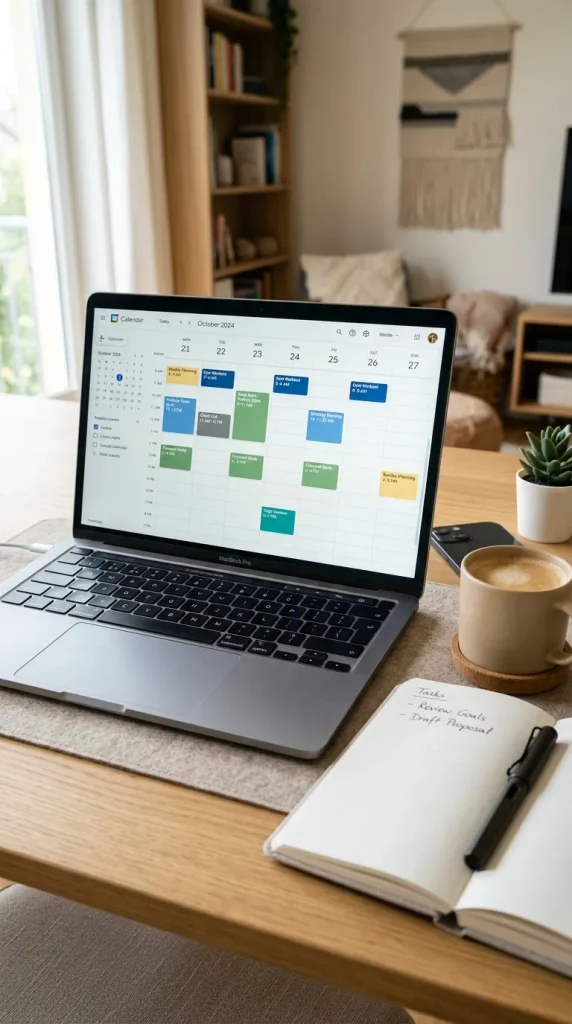
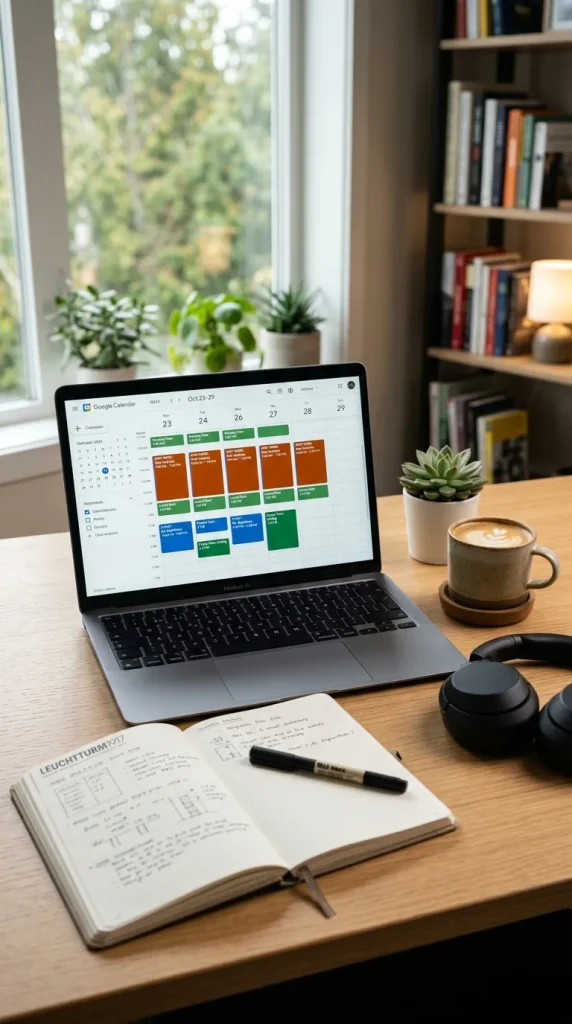
4. Schedule Dedicated Focus Time
A common problem with busy schedules is leaving no time for focused work.
Instead of only scheduling meetings and appointments, reserve specific blocks for uninterrupted work.
Try Blocking Time For
- Studying
- Writing
- Projects
- Coding
- Reading
- Creative work
- Exam preparation
Why It Helps
Putting focus time on your calendar makes it easier to protect that time from unnecessary interruptions.
Styling Tip
Give focus blocks their own calendar color so they stand out.
5. Add Important Deadlines
Don’t rely on memory for important deadlines.
Add assignments, projects, applications, bills, events, and other time-sensitive tasks to your calendar.
Examples
- School assignments
- Project deadlines
- Exam dates
- Work submissions
- Payment due dates
- Application deadlines
Extra Tip
Consider adding a reminder before the actual deadline so you have time to prepare.

6. Create a Weekly Planning Routine
Instead of waiting until Monday morning to figure everything out, schedule a short weekly planning session.
Choose one day each week to review your upcoming schedule.
During Your Planning Session
- Check upcoming events
- Add new appointments
- Review deadlines
- Plan study time
- Schedule personal activities
- Move unfinished tasks
Why It Helps
A weekly review gives you a clearer idea of what’s coming instead of dealing with everything at the last minute.

7. Add Personal Time
Productivity isn’t only about work.
Make sure your calendar includes time for things you actually enjoy.
Schedule
- Exercise
- Hobbies
- Reading
- Friends
- Family
- Relaxation
- Self-care
- Outdoor activities
Why It Matters
When personal activities are intentionally included in your schedule, you’re less likely to fill every available hour with work.
8. Use Reminders for Important Events
A calendar entry tells you what is happening and when, while reminders can help make sure you don’t forget it.
For important events, set an appropriate notification ahead of time.
Useful For
- Appointments
- Meetings
- Exams
- Travel
- Birthdays
- Deadlines
- Important calls
Styling Tip
Choose notification times based on how much preparation each event requires.
For example, a meeting may only need a short reminder, while a major deadline may require several days of preparation.

9. Add Study Blocks for School
Students can use Google Calendar to create a structured study routine.
Instead of simply writing “study” on a to-do list, assign specific times to different subjects.
Example
Monday: Mathematics
Tuesday: Computer Science
Wednesday: English
Thursday: Review
Friday: Assignments
Why It Works
Specific time blocks make studying feel more manageable and can help prevent everything from being left until the last minute.

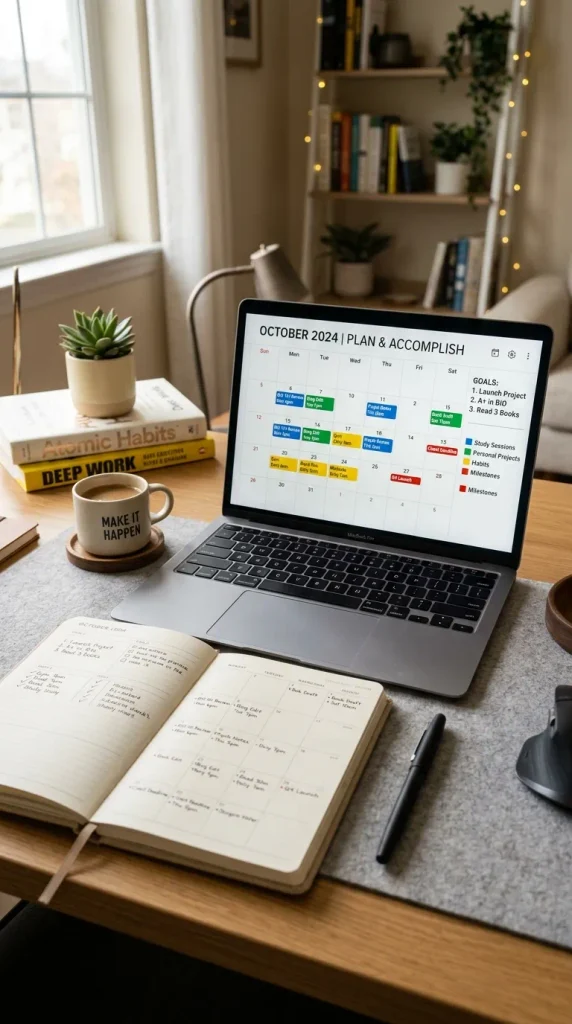
10. Create a Monthly Goal Calendar
Use your calendar for more than appointments by connecting your schedule to your goals.
At the beginning of each month, decide what you want to accomplish and add important milestones to your calendar.
Goal Ideas
- Finish a project
- Complete a course
- Read several books
- Exercise regularly
- Build a new habit
- Prepare for exams
- Work on a creative project
Why You’ll Love It
Breaking a large goal into smaller scheduled actions makes it feel more achievable.
Google Calendar Organization Tips
Creating events is easy, but organizing your calendar effectively is what makes it truly useful.
Keep Event Names Clear
Instead of writing something vague like “Meeting,” use a more descriptive title such as “Marketing Team Meeting.”
Don’t Over-Schedule
Leave some flexibility between activities whenever possible.
Review Your Calendar Daily
A quick morning or evening check can help you understand what’s coming next.
Review It Weekly
A weekly planning session is useful for catching deadlines and scheduling conflicts.
Use Consistent Colors
Once you’ve assigned colors to categories, try to use the same system consistently.
Google Calendar Setup Ideas for Students
Students can create a simple setup with separate calendars for:
- Classes
- Assignments
- Exams
- Study sessions
- Personal events
- Extracurricular activities
A color-coded setup can make it much easier to distinguish classes from deadlines and personal commitments.
Google Calendar Setup Ideas for Work
For work, consider creating categories for:
- Meetings
- Projects
- Deadlines
- Focus time
- Calls
- Personal appointments
Blocking time for focused work can help prevent your entire day from being consumed by meetings.
How to Make Your Google Calendar Look Aesthetic
If you love organized and visually pleasing digital planners, your calendar can be both functional and attractive.
Choose a Simple Color Palette
Soft pastel or muted colors can create a clean appearance.
Keep Categories Consistent
Use the same color for the same category every time.
Avoid Too Many Events
Only add information that genuinely helps you manage your time.
Use Clear Titles
Short, descriptive event names are easier to scan.
Keep Your Schedule Balanced
Don’t fill every empty space. Leave room for unexpected tasks and breaks.
Final Thoughts
A well-organized calendar can make everyday life feel much more manageable. Instead of keeping your schedule in your head, you can use Google Calendar to create a clear visual plan for your work, school, appointments, routines, and personal goals.
From color coding and recurring events to focus blocks, deadlines, weekly planning, study sessions, and monthly goals, these 10 Google Calendar ideas can help you create a system that works for your lifestyle.
The most important thing is to keep your system simple and consistent. Once you develop a routine of checking and updating your calendar, planning your days can become much easier—and you’ll always have a clear idea of what’s coming next.